
UK Visa Biometrics Appointment Step-by-Step Guide 2026
Arranging a UK Visa Biometrics Appointment can feel confusing, especially when you are already handling forms, fees and travel plans. You may not be sure how to book, where to go, which documents to bring or whether your situation follows a different route. Official guidance is spread across several pages, and unofficial websites often add to the confusion. Finding complete, reliable information in one place is harder than it should be.
UK Visa Check is an independent informational website that brings the essentials together. We explain the process in simple language, including booking steps, required documents, appointment preparation, important rules and useful official resources. We are not an official UK government website or a visa appointment booking service, so we cannot book appointments, guarantee availability or influence any visa decision. This guide simply helps you know what to expect.
What Is a UK Visa Biometrics Appointment?
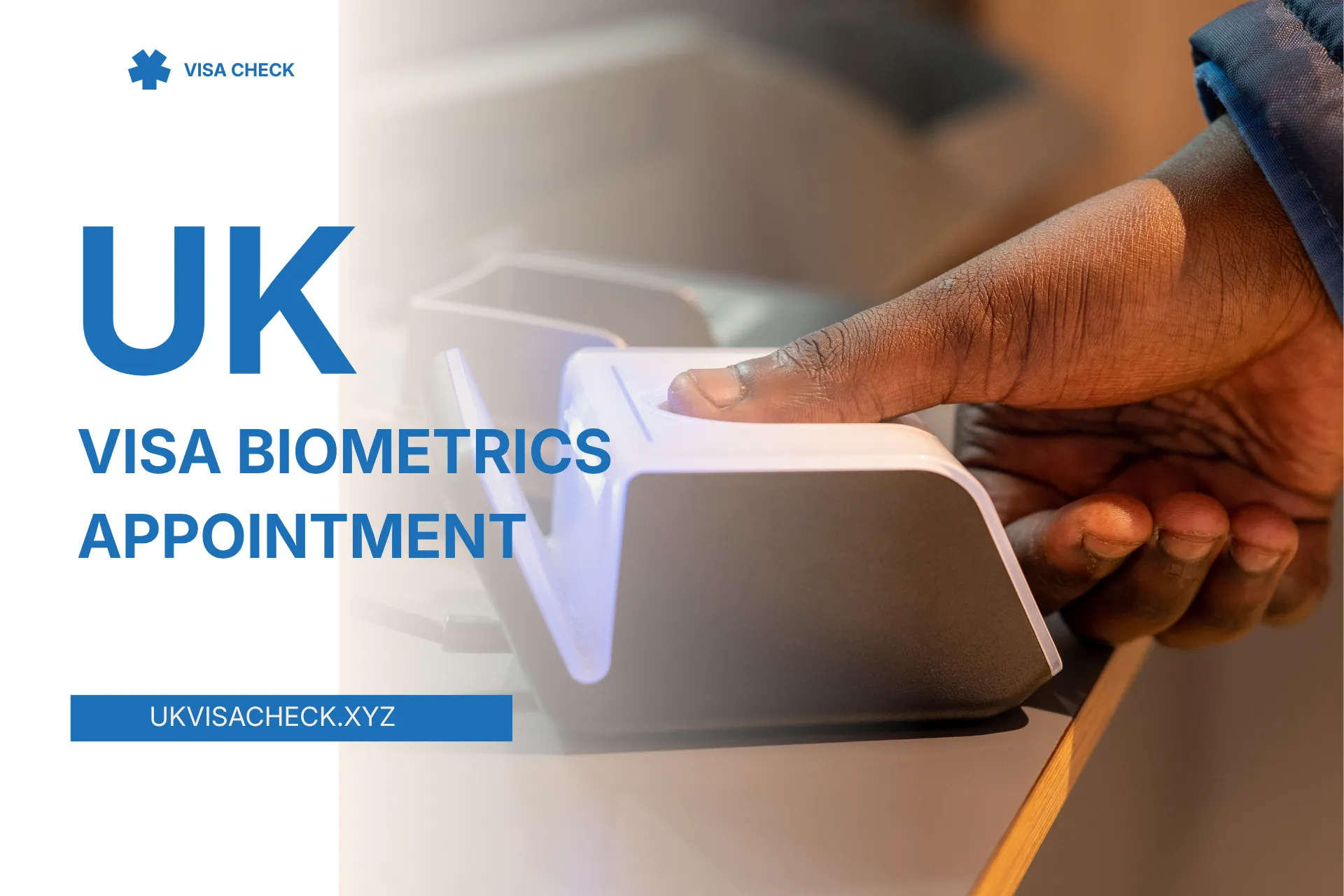
Biometric information means details that identify you physically. For UK visa applications, that usually means your fingerprints and a digital photograph, which UK Visas and Immigration (UKVI) uses to confirm your identity.
This step sits inside the wider UK visa application process, and not everyone has to attend in person. Some applicants can use the UK Immigration: ID Check app instead. Your application will tell you which route applies, so always follow those instructions.
How to Book a UK Visa Biometrics Appointment
Steps vary by visa type and location, but the UK visa biometric appointment booking process generally runs like this:
- Complete the relevant application on the official GOV.UK website.
- Pay the application fee and any other charges that apply.
- Follow the identity instructions shown in your application.
- Use the appointment provider or service named for your case.
- Choose an available date and location.
- Save your confirmation and follow any document-upload instructions.
Applying from Outside the UK
If you apply from abroad, you must submit your application before you can book at a UK visa application centre. Centres are run by external providers such as VFS Global or TLScontact, depending on the country. If your country has no centre, you can choose one elsewhere. If you do not choose a centre, one is picked for you.
Applying from Inside the UK
Most in-country applicants use UK Visa and Citizenship Application Services (UKVCAS), creating an account during the application and booking online. Some applications use a Service and Support Centre instead, where UKVI emails or writes with booking details. A few applicants, such as some people who have already given their biometrics, may not need an appointment at all. GOV.UK explains the current conditions.
How to Find Available Appointment Dates
Sign in to the booking portal linked from your application, choose a location and review the dates shown. UK visa appointment availability depends on the location, demand and the provider, so dates can differ from one city to the next.
If nothing suits you, check again later, as new dates may appear. GOV.UK also notes that you can choose a different centre, though you pay your own travel costs. Free or urgent slots cannot be guaranteed, so be cautious of anyone promising one. Also remember the booking window: for visa application centres, you must book and attend within 240 days of applying, or start a new application.
Documents Required for Your Appointment
Check your UK visa appointment documents against your personal checklist. Depending on your instructions, you may need:
This list is a guide, not a complete checklist for every case. If you accompany a child under 16, you must also bring your own photo ID as their responsible adult.
What Happens During the Appointment?
During a UK Visa Biometrics Appointment, staff confirm your identity, take a digital photograph and scan your fingerprints. GOV.UK says fingerprint scanning involves no ink. At a Service and Support Centre you may also be asked for a signature, and staff check your documents. Head coverings worn for religious or medical reasons do not have to be removed.
Document handling varies. Some applicants have documents scanned at the centre, while others must upload them online beforehand, as EU Settlement Scheme applicants must. Service and Support Centre appointments usually take under two hours, or around 15 minutes if you only give biometrics.
Children under 16 must attend with an adult, and children under 5 only have a photograph taken. Family members on one UKVCAS application attend together.
Appointment Fees and Free Booking Options
Whether a UK Visa Biometrics Appointment costs anything depends on the country, centre, appointment type and optional services. GOV.UK states that most visa application centres offer free appointments within five working days, while some locations charge £76.50 for a standard appointment (checked 16 October 2026). Inside the UK, UKVCAS costs depend on the type of service point, with extra charges for out-of-hours, weekend, next-day or same-day slots.
Optional services, such as document scanning, cost extra. Paying for them does not make approval more likely, and it does not guarantee a faster decision. Read what a paid service includes before you buy, and check UK visa appointment fees on the official page for your location, since they can change.
Can You Reschedule or Cancel Your UK Visa Biometrics Appointment?
Use the official booking portal or your provider’s instructions, because the process is not identical everywhere. Your confirmation email or letter normally explains how. Before changing anything, check:
For Service and Support Centre appointments, GOV.UK says you can rearrange if you are too unwell to travel or have an infectious illness. Follow the steps in your confirmation.
What Happens After Biometrics?
Your UK Visa Biometrics Appointment is only one stage of the application. You will not receive a decision at the appointment, and completing it does not mean your visa is approved. Decision times depend on the visa you applied for.
Watch your email for official messages, follow instructions about your passport and any extra documents, and use the account or tracking links given in your application.